 GitBucket
|
|
|||
|---|---|---|---|
| .github/ ISSUE_TEMPLATE | 5 months ago | ||
| configs | 4 months ago | ||
| docs | 4 months ago | ||
| envoy | 4 months ago | ||
| scripts | 5 months ago | ||
| CHANGELOG.md | 4 months ago | ||
| LICENSE | 5 months ago | ||
| README.md | 4 months ago | ||
| docker-compose.yml | 4 months ago | ||
Aegis
Self-hosted Envoy gateway · AI threat analysis · TLS automation · Real-time dashboard



Aegis sits between the internet and your services — one container that controls Envoy Proxy in real time, blocks threats automatically, manages TLS certificates, and lets you chat with your gateway through an AI assistant.

Quick start
mkdir aegis && cd aegis

curl -O https://raw.githubusercontent.com/axieyangb/aegis/main/docker-compose.yml
mkdir envoy
curl -o envoy/envoy.yaml https://raw.githubusercontent.com/axieyangb/aegis/main/envoy/envoy.yaml

docker compose up -d
Open http://localhost:8765 — default login: admin / changeme.
Edit
docker-compose.ymland setADMIN_PASSWORDbefore exposing to the network.
On first boot Aegis seeds a working gateway baseline — HTTP (port 10080) and HTTPS (port 10443) listeners ready to accept filter chains.
Features
🦉 Owl AI Assistant  Chat with your gateway in plain English. Owl analyses traffic, surfaces threats, and can configure your gateway end-to-end — clusters, certs, filter chains — from a single prompt. Chat with your gateway in plain English. Owl analyses traffic, surfaces threats, and can configure your gateway end-to-end — clusters, certs, filter chains — from a single prompt. |
🛡 Envoy Gateway Control  Visual editor for listeners, filter chains, and clusters. Changes are validated and pushed live to Envoy via xDS — no restarts, no YAML files. Visual editor for listeners, filter chains, and clusters. Changes are validated and pushed live to Envoy via xDS — no restarts, no YAML files. |
🔍 IP Intelligence  Every IP auto-profiled: geolocation, ASN, VPN/Tor detection, AbuseIPDB score, and full request history. AI patrol sweeps run in the background and auto-block threats. Every IP auto-profiled: geolocation, ASN, VPN/Tor detection, AbuseIPDB score, and full request history. AI patrol sweeps run in the background and auto-block threats. |
🔒 TLS Automation  ACME auto-renewal (Let's Encrypt, ZeroSSL), HTTP-01 & DNS-01 challenges, and a built-in Local CA for internal services — all pushed directly to Envoy SDS. ACME auto-renewal (Let's Encrypt, ZeroSSL), HTTP-01 & DNS-01 challenges, and a built-in Local CA for internal services — all pushed directly to Envoy SDS. |
🔔 AI Patrol & Alerts  Scheduled AI sweeps classify traffic around the clock. Blocks and anomalies are pushed to Telegram, Discord, Slack, or webhook. Scheduled AI sweeps classify traffic around the clock. Blocks and anomalies are pushed to Telegram, Discord, Slack, or webhook. |
📱 Mobile-ready  Full dashboard and Owl chat from any device. Ask Owl what happened in the last two hours — it triages threats, blocks IPs, and confirms — all from your phone. Full dashboard and Owl chat from any device. Ask Owl what happened in the last two hours — it triages threats, blocks IPs, and confirms — all from your phone. |
| 🚧 Protection & Maintenance Styled 403/429 block pages with a customisable contact message — replace bare status codes with a branded denial page. Maintenance mode puts any listener (or a single SNI domain) into a 503 page while leaving all other services online. Preview pages inline before pushing to Envoy. | ⚡ Per-Domain Maintenance via Owl Ask Owl to put a single domain into maintenance while the rest of your services stay live: Owl calls gateway_list_listeners to discover the SNI, then targets only that filter chain — no manual JSON editing required. |
Architecture
Internet ──▶ Envoy Proxy ──▶ Your services
                  │
          gRPC xDS (port 18000)
                  │
             ┌────▼─────┐
             │  Aegis   │  port 8765
             │          │
             │ xDS CP   │  controls Envoy live
             │ Analytics│  reads Envoy ALS logs
             │ AI Engine│  classifies IPs
             │ Cert Mgr │  ACME + Local CA → Envoy SDS
             │ Dashboard│  web UI + REST API
             └──────────┘
linux/amd64 and linux/arm64 — runs on x86 servers, Raspberry Pi, Synology NAS, and Apple Silicon.
Configuration
| Variable | Default | Description |
|---|---|---|
PORT |
8765 |
Dashboard + API port |
XDS_PORT |
18000 |
Envoy gRPC xDS port |
DATA_DIR |
/data |
Persistent data directory |
ADMIN_USERNAME |
admin |
Admin username |
ADMIN_PASSWORD |
aegis |
Admin password — change this |
AUTH_ENABLED |
true |
Require login |
BLOCK_ENABLED |
true |
Enable auto IP blocking |
NODE_ID |
home |
Envoy node ID (must match envoy.yaml) |
Data is persisted at /data/aegis.db (SQLite). Mount a volume to keep data across container updates.
Docs & Tutorials
- Getting started
- Envoy configuration
- AI setup — Owl chat + threat analysis
- Notifications — Telegram, Discord, webhooks
Tutorial series: Exposing a service with Aegis
| # | Tutorial | Description |
|---|---|---|
| 01 | Local HTTPS with a whoami service | Configure the gateway manually through the UI |
| 02 | Configure the Gateway with Owl AI | Same setup — let Owl AI do the configuration from a single prompt |
| 03 | Understanding the Dashboard | Read live traffic data and analyse request patterns with Owl |
| 04 | AI-Driven Protection | Use Owl to disable a service under attack and bring it back |
Videos
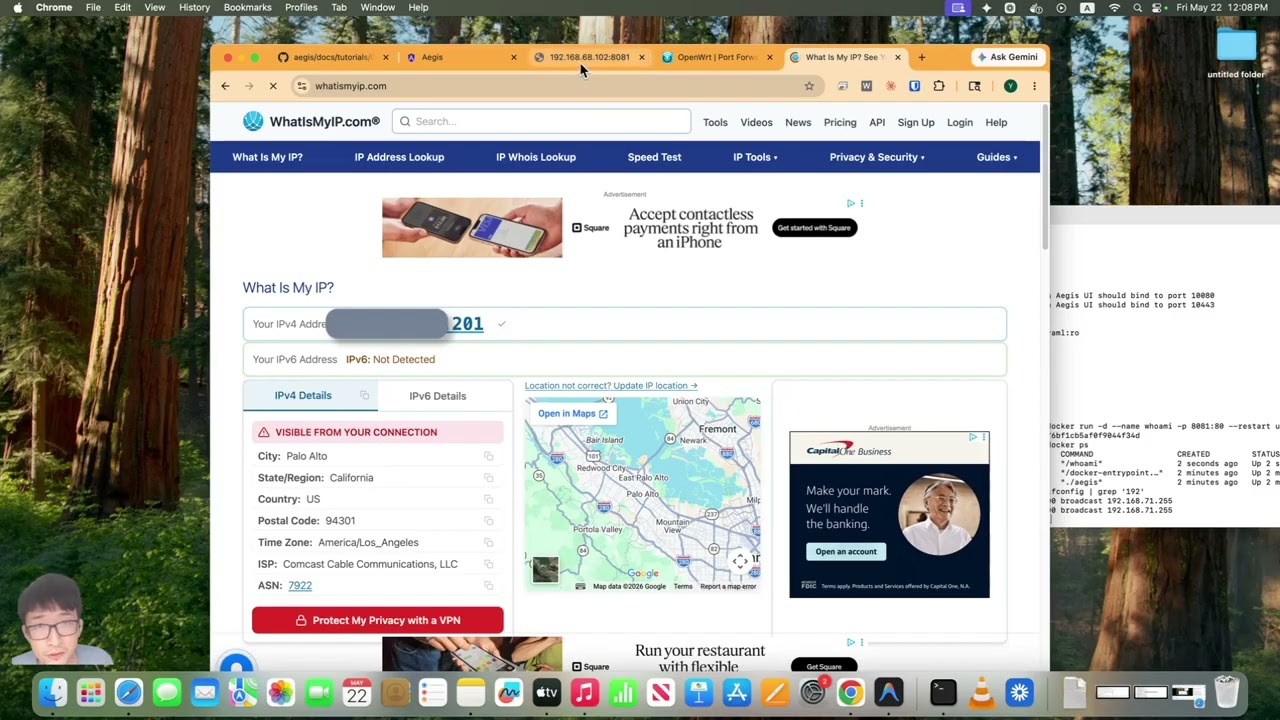 Self-Host a Service with HTTPS Self-Host a Service with HTTPSInstall Aegis, port-forward your router, set up No-IP DDNS, and issue a Let's Encrypt cert — ending with a live public HTTPS service. |
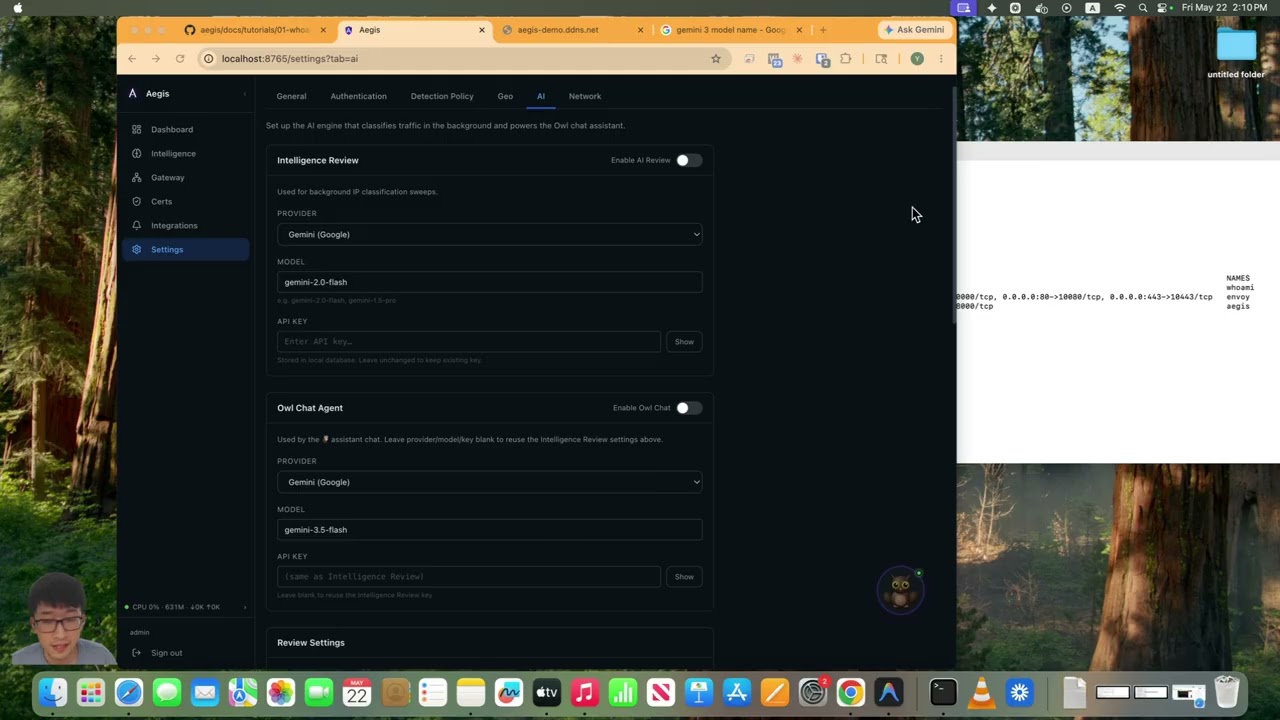 AI Configures HTTPS Gateway and TLS Certificates AI Configures HTTPS Gateway and TLS CertificatesOne prompt to Owl AI sets up the cluster, issues a certificate, and wires the filter chain — no YAML, no restarts. |
License
Distributed as a compiled binary. Source code is proprietary. See LICENSE.
Community tier is free forever. Pro unlocks unlimited notification channels, longer log retention, and unlimited AI patrol sweeps.
About
Built by Jerry Xie — formerly network security at Palo Alto Networks, now Senior Software Engineer specialising in identity, distributed cloud, Kubernetes, and AI. Aegis started as a home lab project and grew into a product.
Issues & feature requests: GitHub Issues
Enterprise / custom integrations: yyangxie@gmail.com